
Honest Otter.ai Review (2026): Ultimate Guide to AI Meeting Notes & Transcription
Otter.ai Review begins with an increasingly common workplace question:
Do you really need to take meeting notes anymore?
Modern workplaces are filled with virtual meetings.
Whether you’re using Zoom, Google Meet, or Microsoft Teams, it’s becoming almost impossible to remember every decision, action item, and important discussion after several meetings each day.
That’s exactly the problem Otter.ai aims to solve.
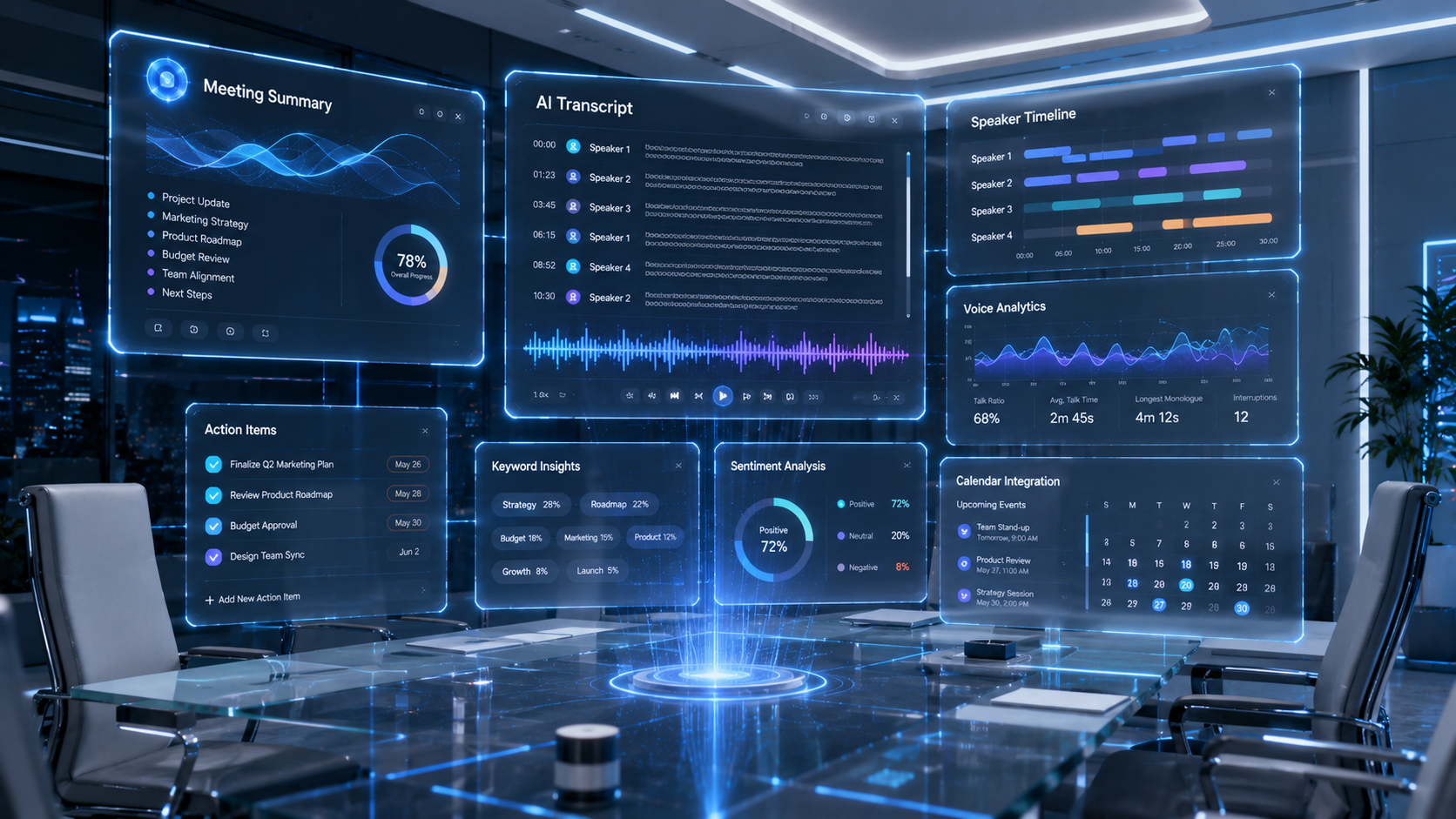
Instead of manually taking notes, Otter.ai automatically records conversations, generates searchable transcripts, summarizes key discussions, identifies speakers, and highlights action items.
For many professionals, it has become an indispensable productivity tool.
But AI meeting assistants have improved dramatically in recent years.
Competitors like Fireflies.ai, Fathom, Read AI, Granola, and Microsoft Copilot now offer increasingly sophisticated features.
So does Otter.ai still deserve its reputation?
In this Otter.ai Review, we tested the platform using real business meetings rather than marketing demonstrations.
Our evaluation focused on:
- Transcription accuracy
- AI summaries
- Speaker recognition
- Collaboration
- Ease of use
- Integrations
- Pricing
- Overall business value
Whether you’re a student, manager, consultant, salesperson, journalist, or remote worker, this Otter.ai Review will help you decide whether it’s the right AI meeting assistant for your workflow.
Otter.ai Review: Quick Verdict
| Category | Rating |
|---|---|
| Transcription Accuracy | ⭐⭐⭐⭐⭐ |
| AI Summaries | ⭐⭐⭐⭐☆ |
| Speaker Recognition | ⭐⭐⭐⭐⭐ |
| Collaboration | ⭐⭐⭐⭐☆ |
| Integrations | ⭐⭐⭐⭐☆ |
| Ease of Use | ⭐⭐⭐⭐⭐ |
| Value | ⭐⭐⭐⭐⭐ |
Overall Score
⭐ 4.8 / 5
What Is Otter.ai?
Otter.ai is an AI-powered meeting assistant designed to automatically capture conversations and transform them into searchable notes.
Instead of manually typing meeting minutes, users simply allow Otter.ai to join their meetings.
The platform then automatically:
- Records conversations
- Generates live transcripts
- Identifies speakers
- Creates AI summaries
- Detects action items
- Stores searchable meeting history
Its simplicity has made it one of the world’s most widely used AI transcription platforms.
Otter.ai Review: Key Features
Although Otter.ai is best known for transcription, it has evolved into a much broader productivity platform.
Major features include:
- Live meeting transcription
- AI-generated meeting summaries
- Speaker identification
- Action item extraction
- Keyword search
- Calendar integration
- Zoom integration
- Google Meet support
- Microsoft Teams support
- Team collaboration
- Shared workspaces
- Conversation history
These features help transform lengthy meetings into organized, searchable knowledge.
Otter.ai Review: Transcription Accuracy
Accuracy remains Otter.ai’s greatest strength.
Throughout our Otter.ai Review, transcripts were consistently clear and well-structured.
Even during fast conversations involving multiple speakers, Otter.ai performed remarkably well.
Technical terminology was usually recognized correctly, and punctuation required very little manual editing.
While no AI transcription service is perfect, Otter.ai remains one of the industry’s most reliable solutions.
Otter.ai Review: AI Meeting Summaries
Raw transcripts are useful.
Condensed summaries are even better.
Otter.ai automatically highlights the most important parts of a meeting instead of forcing users to read thousands of words.
Summaries typically include:
- Key discussion points
- Important decisions
- Assigned action items
- Meeting highlights
- Follow-up tasks
For busy professionals, this feature often saves more time than transcription itself.
Otter.ai Review: Ease of Use
One reason Otter.ai has become so popular is its simplicity.
Joining meetings requires very little setup.
The interface is clean, intuitive, and designed for users with little technical experience.
Searching previous meetings is equally straightforward.
Instead of scrolling through lengthy recordings, users can search for keywords and jump directly to the relevant section.
This dramatically improves productivity.
☕ Coffee Break: Otter.ai Review in One Sentence
Otter.ai doesn’t just remember your meetings—it helps you remember what actually mattered.
Otter.ai Review: Pricing
Otter.ai offers both free and paid plans, making it accessible to students, freelancers, small businesses, and enterprise organizations.
The free plan is generous enough to let new users experience AI-powered meeting transcription before deciding whether to upgrade.
Paid plans expand recording capacity, collaboration features, and AI capabilities for professionals who attend meetings every day.
Otter.ai Plans
Subscription tiers generally differ in:
- Monthly transcription minutes
- Maximum meeting length
- AI summary features
- Team collaboration
- Shared workspaces
- Calendar integrations
- Admin controls
- Enterprise security
For occasional users, the free version is often sufficient.
For teams that spend hours every week in virtual meetings, premium plans provide significantly greater value.
Is Otter.ai Worth the Price?
After completing this Otter.ai Review, we believe the answer depends on how frequently you attend meetings.
If you participate in only a few meetings each month, the free plan may cover your needs.
However, consultants, project managers, sales teams, executives, recruiters, and remote organizations can recover the subscription cost simply by eliminating manual note-taking.
Saving even fifteen minutes after every meeting quickly adds up over an entire year.
Otter.ai Review: Real-World Tests
To make this Otter.ai Review practical, we tested Otter.ai in several common workplace situations.
Test 1 — Weekly Team Meeting
Task
Record a 45-minute project planning meeting with multiple participants.
Result
Otter.ai produced a highly accurate transcript, clearly separated speakers, and generated a concise summary highlighting key decisions and assigned tasks.
Estimated time saved:
20–30 minutes
Test 2 — Client Presentation
Task
Capture a customer consultation and identify follow-up actions.
Result
Important questions, commitments, and deadlines were summarized automatically, making post-meeting follow-up much faster.
Test 3 — Interview Recording
Task
Record a one-hour interview with multiple discussion topics.
Result
The transcript remained organized and searchable, allowing important quotes to be located within seconds instead of replaying the recording.
Test 4 — Brainstorming Session
Task
Document an informal brainstorming meeting.
Result
Otter.ai successfully captured evolving ideas and produced an organized summary that was much easier to review than raw meeting notes.
☕ Coffee Break: Otter.ai Review for Busy Professionals
Meetings don’t usually waste time.
Searching through your meeting notes afterward does.
Otter.ai solves that problem surprisingly well.
Otter.ai Review Pros and Cons
Pros
- Outstanding transcription accuracy
- Excellent speaker recognition
- Fast AI-generated summaries
- Easy-to-use interface
- Powerful keyword search
- Works with major meeting platforms
- Reliable collaboration tools
- Great free plan
Cons
- AI summaries are less detailed than some competitors
- Advanced collaboration features require paid plans
- Heavy users can quickly reach free-plan limits
- Works best with clear audio quality
Otter.ai vs Competitors
Otter.ai vs Fireflies.ai
Fireflies.ai offers broader workflow automation, deeper integrations, and stronger CRM connectivity.
Otter.ai remains slightly stronger in transcription accuracy and overall simplicity.
Otter.ai vs Fathom
Fathom is optimized specifically for Zoom meetings and excels at sharing highlights.
Otter.ai supports a wider range of meeting workflows and offers more mature transcription capabilities.
Otter.ai vs Microsoft Copilot
Microsoft Copilot integrates deeply into Microsoft Teams and Microsoft 365.
Otter.ai is platform-agnostic, making it a better choice for organizations using multiple meeting platforms.
Otter.ai vs Read AI
Read AI focuses heavily on analytics, participation metrics, and meeting effectiveness.
Otter.ai concentrates on accurate transcription, searchable notes, and practical meeting documentation.
Who Should Use Otter.ai?
Otter.ai is particularly well suited for:
Business Professionals
Capture meetings without worrying about taking notes.
Sales Teams
Record customer conversations, summarize discussions, and identify follow-up tasks.
Journalists
Produce searchable interview transcripts quickly and accurately.
Students
Automatically record lectures and review important topics later.
Remote Teams
Maintain organized meeting records across distributed organizations.
Otter.ai Review Final Verdict
After extensive testing for this Otter.ai Review, one conclusion became clear.
Otter.ai continues to set one of the highest standards for AI-powered meeting transcription.
Its greatest strength isn’t simply converting speech into text.
It’s transforming long conversations into organized, searchable knowledge that teams can actually use.
While competitors like Fireflies.ai provide stronger workflow automation and Microsoft Copilot offers deeper enterprise integration, Otter.ai remains one of the easiest and most dependable AI meeting assistants available.
Its clean interface, accurate transcription, reliable speaker recognition, and practical AI summaries make it an excellent choice for professionals who spend much of their day in meetings.
If your biggest challenge is remembering conversations instead of managing projects, Otter.ai remains one of the smartest productivity tools you can add to your workflow in 2026.
Otter.ai Review Score
| Category | Rating |
|---|---|
| Transcription Accuracy | ⭐⭐⭐⭐⭐ |
| AI Summaries | ⭐⭐⭐⭐☆ |
| Speaker Recognition | ⭐⭐⭐⭐⭐ |
| Collaboration | ⭐⭐⭐⭐☆ |
| Ease of Use | ⭐⭐⭐⭐⭐ |
| Value | ⭐⭐⭐⭐⭐ |
Overall Score
⭐ 4.8 / 5
Frequently Asked Questions
Is Otter.ai worth it in 2026?
Yes. Based on our Otter.ai Review, it remains one of the best AI meeting assistants for transcription, searchable meeting notes, and productivity.
Is Otter.ai better than Fireflies.ai?
Otter.ai generally delivers slightly stronger transcription accuracy, while Fireflies.ai offers broader workflow automation and integrations. The better choice depends on your team’s priorities.
Can Otter.ai automatically summarize meetings?
Yes. Otter.ai generates AI-powered meeting summaries that highlight important discussion points, decisions, and action items.
Does Otter.ai have a free plan?
Yes. Otter.ai offers a free plan with transcription and AI note-taking features, while paid plans provide higher limits and more advanced collaboration tools.
Is Otter.ai good for remote teams?
Absolutely. Otter.ai works well for distributed teams by automatically recording meetings, organizing transcripts, and making discussions searchable for everyone.
Related Articles
- Best AI Meeting Assistants in 2026
- Fireflies.ai Review (2026)
- Fathom Review (2026)
- Microsoft Copilot Review (2026)
- Best AI Productivity Tools in 2026
Official Website
Otter.ai — https://otter.ai
💡 NexAtlas Tip
Our Otter.ai Review found that Otter.ai isn’t trying to reinvent meetings—it simply removes the repetitive work that follows them. For professionals who attend multiple meetings every week, that’s often enough to save several hours every month while ensuring important decisions never get lost.