
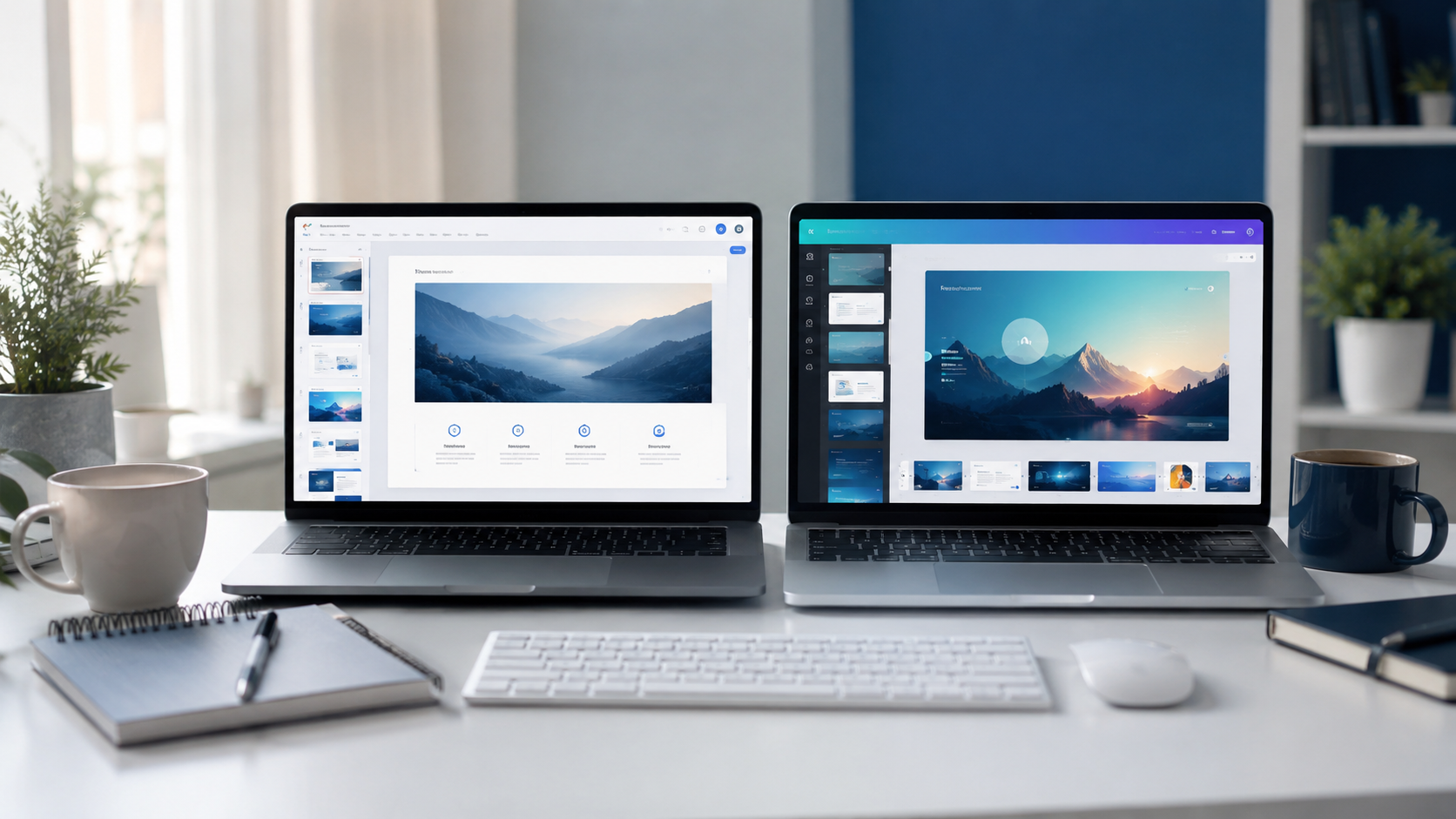
Gamma vs Canva AI (2026): Which AI Presentation Tool Should You Choose?
Introduction
Gamma vs Canva AI has become one of the most searched comparisons among students, professionals, teachers, marketers, and startup founders looking for a faster way to build presentations.
A few years ago, creating slides meant opening PowerPoint, choosing a template, dragging text boxes around, and wondering why aligning two icons somehow took longer than writing the presentation itself.
Thankfully, AI decided to intervene.
Today, two names dominate the conversation.
Gamma AI and Canva AI.
At first glance they appear to solve the same problem.
Both promise beautiful presentations.
Both use artificial intelligence.
Both can dramatically reduce the time needed to create professional slides.
So…
Why do so many people still struggle to decide between them?
Because they actually approach presentations from completely different directions.
Gamma starts with your ideas.
Canva starts with your design.
That difference changes almost everything.
In this comprehensive comparison, we’ll evaluate both platforms across the categories that actually matter:
- AI quality
- Design
- Speed
- Templates
- Collaboration
- Ease of use
- Pricing
- Business workflow
- Student experience
- Overall value
Rather than declaring a single universal winner, we’ll explain which tool fits different users.
After all, the best presentation software isn’t necessarily the smartest one.
It’s the one that helps you finish your presentation before midnight.
Quick Comparison
| Feature | Gamma AI | Canva AI |
|---|---|---|
| Ease of Use | ⭐⭐⭐⭐⭐ | ⭐⭐⭐⭐☆ |
| AI Presentation Generation | ⭐⭐⭐⭐⭐ | ⭐⭐⭐⭐☆ |
| Design Flexibility | ⭐⭐⭐⭐☆ | ⭐⭐⭐⭐⭐ |
| Templates | ⭐⭐⭐⭐☆ | ⭐⭐⭐⭐⭐ |
| Collaboration | ⭐⭐⭐⭐⭐ | ⭐⭐⭐⭐☆ |
| Beginner Friendly | ⭐⭐⭐⭐⭐ | ⭐⭐⭐⭐☆ |
| Business Presentations | ⭐⭐⭐⭐⭐ | ⭐⭐⭐⭐☆ |
| Marketing Graphics | ⭐⭐⭐☆☆ | ⭐⭐⭐⭐⭐ |
| Overall Score | 9.7/10 | 9.4/10 |
The Short Answer
If you’re in a hurry, here’s our recommendation.
🏆 Choose Gamma if…
- You create presentations every week.
- You want AI to build slides automatically.
- Speed matters more than customization.
- You’re a student or consultant.
- You prefer writing over designing.
🎨 Choose Canva AI if…
- You already use Canva.
- You enjoy editing layouts.
- You create presentations and social media graphics.
- You need posters, flyers, videos, and presentations in one place.
- Branding matters.
☕ Coffee Break Verdict
Imagine two talented friends helping you prepare for tomorrow’s presentation.
One says,
“Tell me your ideas. I’ll organize everything.”
The other says,
“Here’s a beautiful canvas. Let’s make it look amazing.”
That’s essentially the difference between Gamma and Canva.
Neither is wrong.
They’re simply helping in different ways.
What Is Gamma AI?
Gamma AI is an AI-first presentation platform.
Instead of starting with a blank slide, you start with an idea.
Describe your topic.
Upload your notes.
Paste an outline.
Within minutes, Gamma generates an organized presentation complete with headlines, sections, layouts, images, and formatting.
It’s one of the closest experiences to having an AI presentation assistant sitting beside you.
One of Gamma’s greatest strengths is that it reduces decision fatigue.
Instead of asking you to choose from hundreds of templates, it simply builds a clean presentation and lets you refine it.
That approach saves an incredible amount of time.
Especially if you’re the kind of person who spends twenty minutes deciding between two shades of blue.
(We’ve all been there.)
What Is Canva AI?
Canva AI takes a different approach.
Canva already existed as one of the world’s most popular design platforms before AI became mainstream.
Instead of replacing its design tools, Canva integrated AI into an already powerful creative ecosystem.
Today Canva AI can help users create:
- Presentations
- Posters
- Documents
- Whiteboards
- Videos
- Social media posts
- Logos
- Marketing materials
- Infographics
Presentation generation is only one piece of a much larger platform.
That’s Canva’s biggest strength.
But it also explains why some users feel overwhelmed during their first few sessions.
When everything is possible…
Finding the quickest solution sometimes becomes the hardest part.
Ease of Use
This is the first category where the two platforms clearly separate.
Gamma
Opening Gamma feels surprisingly calm.
The interface contains very few distractions.
Everything encourages you to focus on your presentation rather than the software itself.
Even complete beginners usually understand the workflow within minutes.
The AI asks what you want to create.
You answer.
It starts building.
Simple.
Canva
Canva remains beginner-friendly compared to professional design software.
However, because it includes hundreds of creative tools, the interface naturally contains more options.
That’s wonderful for designers.
It’s less wonderful when you’re trying to finish tomorrow’s class presentation before bedtime.
For presentations alone…
Gamma wins this round.
AI Presentation Quality
This is the category most people care about.
After all, if an AI presentation tool can’t create good presentations, nothing else really matters.
Although both Gamma and Canva use AI, they generate presentations in noticeably different ways.
Gamma AI
Gamma behaves more like a presentation assistant.
Instead of generating random-looking slides, it first creates a logical structure.
Typically you’ll receive:
- Title page
- Agenda
- Main sections
- Supporting content
- Conclusion
The presentation feels organized from the beginning.
Even before making edits, the overall flow usually makes sense.
That means you’re spending time improving ideas instead of repairing messy layouts.
For most users, that’s a huge productivity gain.
Canva AI
Canva’s Magic Design is visually impressive.
It quickly creates attractive slides and gives users multiple design directions to choose from.
However, content organization isn’t always as strong as Gamma’s.
The presentation often looks fantastic…
…but still requires additional editing to improve the story.
That’s not necessarily a weakness.
Canva assumes many users enjoy participating in the creative process.
Gamma assumes you’d rather finish the presentation sooner.
Winner
🏆 Gamma AI
Its AI understands presentation flow better.
Design Quality
Now the competition becomes much closer.
Both tools produce professional-looking slides.
The difference is how much control you want.
Gamma
Gamma follows modern editorial design principles.
Lots of whitespace.
Large typography.
Minimal clutter.
Professional spacing.
Slides feel clean without looking empty.
If Apple designed presentation software, it might feel something like Gamma.
Canva
Canva offers thousands of templates.
Every style imaginable.
Corporate.
Minimal.
Creative.
Education.
Fashion.
Technology.
Healthcare.
Real estate.
Practically everything.
For users who love visual customization, Canva is difficult to beat.
The downside?
Too many choices sometimes become their own obstacle.
Finding the perfect template can easily take longer than creating the presentation itself.
Winner
🏆 Canva AI
Pure design flexibility still belongs to Canva.
Templates
Gamma intentionally keeps its template library smaller.
Instead of overwhelming users, it offers a curated selection designed for modern presentations.
This creates consistency.
Most Gamma presentations immediately feel contemporary.
Canva takes the opposite approach.
Its enormous template collection is one of its biggest strengths.
Need an investor pitch?
No problem.
Wedding slideshow?
Done.
Science class?
Thousands.
Instagram carousel?
Of course.
The platform has become much more than presentation software.
It’s an entire design ecosystem.
Winner
🏆 Canva AI
Quantity and variety clearly favor Canva.
Speed
Time is where Gamma truly shines.
We measured productivity using a simple question:
How quickly can someone go from idea to presentation?
Gamma consistently required fewer steps.
The process usually looked like this:
Idea →
Prompt →
Presentation →
Minor edits →
Done.
Canva often involved:
Idea →
Template →
AI →
Layout changes →
Image adjustments →
Typography →
Finished.
Both approaches work.
One simply requires more creative decisions.
Winner
🏆 Gamma AI
Collaboration
Modern presentations are rarely created alone.
Businesses collaborate.
Students work in groups.
Marketing teams share feedback.
Consultants revise proposals.
Collaboration matters.
Fortunately, both platforms perform well.
Gamma
Real-time editing is smooth.
Comments are easy to follow.
Sharing presentations requires only a link.
Because Gamma stores everything online, teams avoid endless email attachments.
Version confusion becomes much less common.
Canva
Canva also provides excellent collaboration.
Many organizations already rely on Canva for marketing materials, making presentations another natural extension.
Its commenting system is mature and reliable.
If your team already lives inside Canva, collaboration feels seamless.
Winner
🤝 Tie
Both platforms are excellent.
Learning Curve
One of the biggest surprises during testing was how differently new users reacted.
Almost everyone understood Gamma immediately.
The workflow feels obvious.
Type your topic.
Generate.
Edit.
Present.
Done.
Canva isn’t difficult either.
However, because the platform includes so many creative tools, new users occasionally become distracted exploring features unrelated to presentations.
Sometimes simplicity really is the best feature.
Winner
🏆 Gamma AI
☕ Coffee Break Verdict
Canva is like walking into the world’s biggest art supply store.
Gamma is like sitting down with a designer who already brought exactly the tools you need.
Neither experience is bad.
One just gets you home earlier.
Students
Students probably represent the largest audience for both tools.
Imagine this situation.
It’s 10:30 PM.
Your presentation starts at 9 AM.
You still haven’t created your slides.
Panic levels are rising.
Coffee isn’t helping anymore.
Which platform saves you?
For most students…
The answer is Gamma.
Simply entering:
“Create a presentation explaining climate change for high school students.”
produces an organized presentation almost immediately.
The remaining time can be spent understanding the topic instead of aligning images.
And yes…
Actually understanding the presentation is still recommended.
AI unfortunately hasn’t invented downloadable knowledge yet.
Business Professionals
Business presentations follow different rules.
Brand consistency.
Charts.
Client meetings.
Sales pitches.
Quarterly reports.
Executive summaries.
Here Canva becomes much more competitive.
Many companies already use Canva Brand Kits.
Marketing assets.
Company colors.
Logos.
Fonts.
Everything already exists inside the platform.
That integration saves time.
However…
Consultants and startup founders often prefer Gamma because speed outweighs branding during rapid idea development.
Best Choice
Students → Gamma
Consultants → Gamma
Marketing Teams → Canva
Corporate Branding → Canva
Startup Founders → Gamma
Pricing
Price matters.
Especially if you’re a student or freelancer paying for software out of your own pocket.
Fortunately, both Gamma and Canva offer free plans, making it easy to explore before spending any money.
Gamma Pricing
Gamma provides a free plan that allows users to experience its AI-powered workflow with limited AI credits.
For occasional presentations, this is often enough.
The paid plans mainly unlock:
- More AI credits
- Premium themes
- Advanced collaboration
- Higher export limits
- Better productivity features
The subscription makes sense if you’re creating presentations every week.
Canva Pricing
Canva also offers a generous free plan.
However, because Canva is an entire creative platform rather than just presentation software, premium features include far more than presentation tools.
With Canva Pro, users gain access to:
- Millions of premium assets
- Brand Kits
- Magic Studio AI
- Premium templates
- Background remover
- Video editing
- Social media scheduling
- Team collaboration
If your work extends beyond presentations, Canva Pro delivers excellent value.
Pricing Winner
If presentations are your only priority:
🏆 Gamma
If you also create marketing content, social media graphics, videos, and documents:
🏆 Canva
Feature Comparison
| Feature | Gamma | Canva |
|---|---|---|
| AI Presentation Generation | ⭐⭐⭐⭐⭐ | ⭐⭐⭐⭐☆ |
| Presentation Templates | ⭐⭐⭐⭐☆ | ⭐⭐⭐⭐⭐ |
| AI Writing | ⭐⭐⭐⭐⭐ | ⭐⭐⭐⭐☆ |
| Design Flexibility | ⭐⭐⭐⭐☆ | ⭐⭐⭐⭐⭐ |
| Collaboration | ⭐⭐⭐⭐⭐ | ⭐⭐⭐⭐⭐ |
| Brand Kit | ⭐⭐⭐☆☆ | ⭐⭐⭐⭐⭐ |
| Export Options | ⭐⭐⭐⭐☆ | ⭐⭐⭐⭐⭐ |
| Ease of Learning | ⭐⭐⭐⭐⭐ | ⭐⭐⭐⭐☆ |
| Productivity | ⭐⭐⭐⭐⭐ | ⭐⭐⭐⭐☆ |
Pros & Cons
Gamma
Pros
✔ Outstanding AI-generated presentations
✔ Extremely easy to learn
✔ Excellent presentation structure
✔ Modern layouts
✔ Fast workflow
✔ Minimal distractions
✔ Great for students
✔ Excellent for consultants
Cons
✘ Fewer design customization options
✘ Smaller template library
✘ Limited offline workflow
Canva
Pros
✔ Massive template library
✔ Industry-leading design flexibility
✔ Brand Kit support
✔ Great for marketing teams
✔ Excellent ecosystem
✔ Works beyond presentations
Cons
✘ AI presentation flow isn’t as polished
✘ More menus can overwhelm beginners
✘ Creating presentations often requires more manual editing
Real Productivity Test
To make this comparison practical, imagine the following challenge.
Task
Create a 12-slide presentation explaining Artificial Intelligence to university students.
Gamma
Time required:
Approximately 8–12 minutes
Workflow:
Prompt →
AI generation →
Small edits →
Finished.
Most of the effort goes into improving your ideas rather than arranging slides.
Canva
Time required:
Approximately 18–30 minutes
Workflow:
Choose template →
Generate content →
Adjust layout →
Replace graphics →
Improve typography →
Finished.
The final presentation may look slightly more customized, but it usually requires more work.
Productivity Winner
🏆 Gamma
If speed is your priority, Gamma clearly has the advantage.
Which One Fits Your Workflow?
Choose Gamma If…
You want AI to do most of the heavy lifting.
You’re often working under tight deadlines.
You create presentations frequently.
You value productivity more than unlimited customization.
You don’t particularly enjoy designing slides.
In short, Gamma is built for people who want to communicate ideas—not spend hours designing them.
Choose Canva If…
Design is part of your job.
You regularly create posters, brochures, videos, or social media graphics.
You already subscribe to Canva Pro.
Your company uses Brand Kits.
You enjoy customizing every detail of your presentation.
Canva is less of a presentation tool and more of an all-in-one creative platform.
☕ Coffee Break Verdict
Think of Gamma as hiring a presentation assistant.
Think of Canva as renting an entire design studio.
Most people don’t need a design studio every day.
But when they do, they’re glad it’s there.
Final Recommendation
After comparing both platforms across AI quality, ease of use, productivity, templates, collaboration, pricing, and overall value, our conclusion is surprisingly clear.
Neither platform is objectively better.
They’re simply optimized for different users.
If your primary goal is creating presentations quickly with minimal effort, Gamma wins.
Its AI understands presentation structure exceptionally well, and the streamlined interface removes many of the distractions that slow people down.
If your work extends beyond presentations into branding, marketing, content creation, and graphic design, Canva remains one of the best creative platforms available.
Its AI features continue to improve, and its broader ecosystem offers outstanding long-term value.
NexAtlas Final Verdict
🏆 Choose Gamma If You Want…
- The fastest workflow
- Better AI-generated presentations
- Cleaner presentation structure
- Simplicity
- Maximum productivity
🎨 Choose Canva If You Want…
- Better graphic design tools
- Unlimited creative freedom
- Marketing assets
- Brand management
- An all-in-one creative platform
Overall Ratings
| Category | Gamma | Canva |
|---|---|---|
| AI Intelligence | ⭐⭐⭐⭐⭐ | ⭐⭐⭐⭐☆ |
| Design | ⭐⭐⭐⭐☆ | ⭐⭐⭐⭐⭐ |
| Productivity | ⭐⭐⭐⭐⭐ | ⭐⭐⭐⭐☆ |
| Ease of Use | ⭐⭐⭐⭐⭐ | ⭐⭐⭐⭐☆ |
| Value | ⭐⭐⭐⭐⭐ | ⭐⭐⭐⭐☆ |
Overall Winner
🥇 Gamma AI (9.7 / 10)
🥈 Canva AI (9.4 / 10)
The difference isn’t huge.
But if someone asked us to recommend one AI presentation tool today, Gamma would be our first suggestion.
Its focus on helping users transform ideas into polished presentations—without unnecessary complexity—makes it one of the strongest AI productivity tools available in 2026.
Frequently Asked Questions
Is Gamma better than Canva for presentations?
For users who prioritize speed and AI-generated presentation quality, Gamma is generally the stronger choice. Canva offers greater design flexibility and a broader creative toolkit.
Can Canva AI create presentations?
Yes. Canva Magic Design can generate presentation layouts, suggest designs, and help create professional slides, though users typically perform more manual editing than in Gamma.
Which platform is better for students?
Gamma is an excellent choice for students because it can generate organized presentations in minutes with very little design experience required.
Which platform is better for businesses?
Businesses focused on branding and marketing often benefit more from Canva, while consultants, startups, and sales teams may prefer Gamma’s faster presentation workflow.
Official Website
Gamma: https://gamma.app
Canva: https://www.canva.com
Related Articles
- Gamma AI Review (2026)
- Best AI Presentation Makers in 2026
- Beautiful.ai Review (2026)